

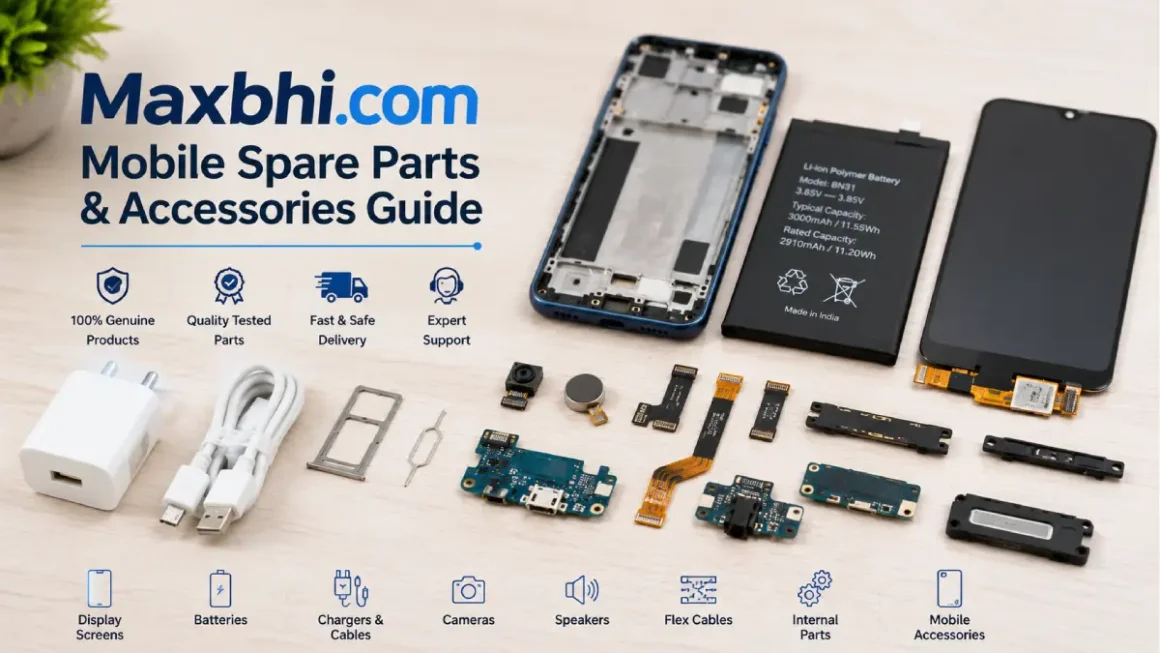
Finding the correct replacement part for a smartphone can be more complicated than buying a regular accessory. A display, battery, charging component or internal part needs to match the specific phone model, while repair technicians may also need specialised tools to complete the job.
Maxbhi com is an online platform focused on mobile phone spare parts, accessories and repair equipment. The website currently categorises its products into areas such as mobile spare parts, displays, batteries, cases and covers, chargers, repair tools, screwdrivers, adhesives and other equipment.
This guide explains what Maxbhi offers, the main product categories, how ordering works, what customers should check before buying replacement parts and how to approach warranties and support.
Table of Contents
What Is Maxbhi Com?
Maxbhi com is an e-commerce website operated by Elcotek India Private Limited. According to its company information, the business was established in Ghaziabad, India, and focuses on mobile phone spare parts, repair tools and accessories.
The website is aimed at both people looking for replacement components and users involved in mobile-phone repair.
Its catalogue includes categories such as:
- Mobile phone spare parts
- LCD and display components
- Touch screens
- Flex cables
- Batteries
- Speakers and microphones
- ICs and electronic components
- Cases and covers
- Chargers
- Screen protection products
- Mobile repair tools
- Tool kits
- Mobile holders
- Solar and LED products
The exact availability of individual products can change, so buyers should check the current product page before placing an order.
What Can You Buy from Maxbhi Com?
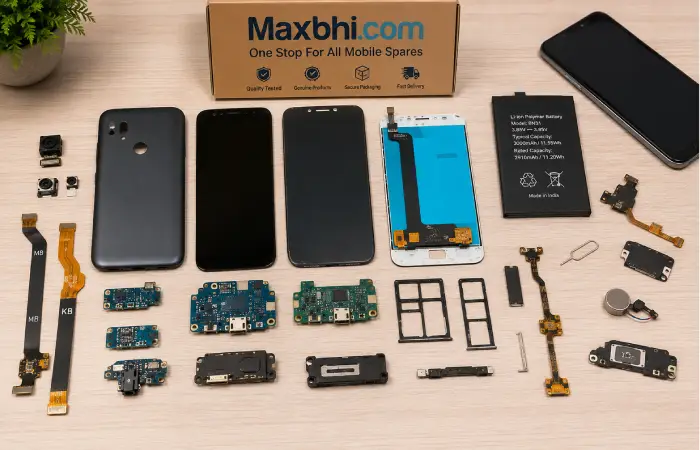
Maxbhi has a broad catalogue, but its main focus is mobile repair and related accessories.
Mobile Display and Screen Parts
Displays are one of the major categories on Maxbhi.
Depending on the phone model, users may find different types of display-related components, including LCD screens, touch screens and combined display assemblies.
The correct terminology matters because a replacement LCD, digitiser or complete display assembly may not be the same product.
Before ordering, compare:
- Exact phone model
- Model number
- Screen type
- Connector configuration
- Product description
- Compatibility information
- Included components
A visually similar part is not necessarily compatible with your device.
Mobile Batteries
Replacement batteries are another important category.
When searching for a battery, check the phone model and battery identification information carefully. Battery capacity, connector placement and physical dimensions can differ between seemingly similar devices.
It is also sensible to compare the manufacturer’s specifications with the replacement product information before ordering.
Mobile Accessories
Maxbhi also lists everyday mobile accessories, including:
- Chargers
- Cases
- Covers
- Screen protectors
- Mobile holders
- Cables
- Headphones and earphones
These products generally require less technical installation than internal spare parts, but compatibility can still matter.
For example, a phone case needs to match the exact device design, while a charger or cable should be checked for connector and charging compatibility.
Repair Tools Available on Maxbhi
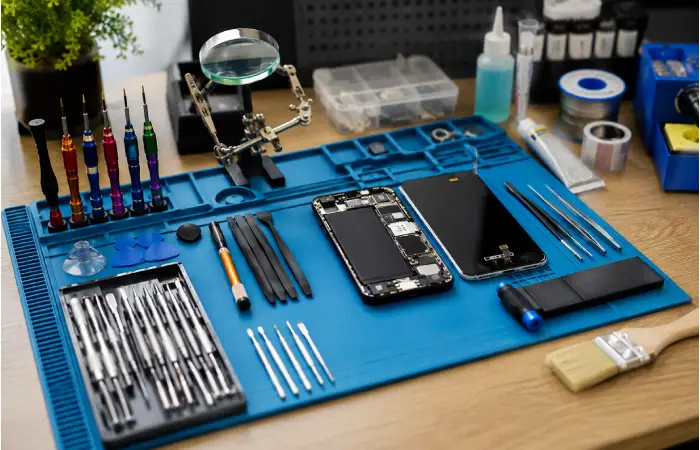
A major feature of Maxbhi is its repair-tool section.
The site lists products such as:
- Screwdrivers
- Mobile tool kits
- Opening tools
- Adhesives
- Touch-changing equipment
- Repair accessories
- Other specialist tools
These products can be useful for repair technicians and experienced DIY users.
However, smartphone repair can involve delicate components. Anyone without the necessary experience should avoid opening a phone simply because a replacement component appears inexpensive.
A damaged connector, flex cable or battery can create additional problems if installed incorrectly.
How to Search for a Product on Maxbhi Com
The easiest way to reduce compatibility problems is to search using the exact phone model.
For example, instead of searching only for:
Samsung battery
use a more specific search such as:
Samsung Galaxy [exact model] battery
You can then compare the product information with your device.
Step 1: Identify Your Phone Model
Check the model’s name and model number in your phone’s settings, packaging or manufacturer documentation.
Step 2: Search the Exact Model
Enter the model into Maxbhi’s search system.
Step 3: Compare Product Details
Check the description, images, compatibility information and specifications.
Step 4: Check Quantity and Package Contents
Some products may include only one component, while others may come as a complete assembly.
Step 5: Review the Order Details
Before checkout, verify that the selected product is the intended part and that the delivery information is correct.
Maxbhi also provides a step-by-step ordering guide showing the process of creating an order through the website.
How to Order from Maxbhi Com
The general ordering process is similar to other e-commerce websites.
- Open the Maxbhi website.
- Search for the required component.
- Select the relevant product.
- Check compatibility and product information.
- Add the item to your cart.
- Review the order.
- Enter or confirm delivery information.
- Select an available payment method.
- Place the order.
- Keep the order information for future reference.
The website maintains a dedicated guide explaining its order process, including multiple steps for selecting products and completing an order. For more related articles visit our website
Maxbhi Com eWallet
Maxbhi also provides an eWallet system.
According to the site’s eWallet information, customers can store eligible funds electronically and use the balance towards future purchases. The website states that one eWallet iPoint is equivalent to one rupee and explains that certain balances may also be transferred to a bank account, subject to its terms.
The site also describes cashback being credited to eligible eWallet accounts after an order is completed.
Because payment and wallet policies can change, users should review the current terms displayed on the website before relying on a particular wallet condition.
What Should You Check Before Buying a Mobile Spare Part?
Buying the cheapest component is not necessarily the best approach.
1. Exact Model Compatibility
This is the most important check.
A part designed for one model may not work correctly with another model, even if both phones look almost identical.
2. Product Type
Check whether you are buying:
- LCD only
- Touchscreen/digitiser
- Display assembly
- Battery
- Flex cable
- Housing
- Charging component
- Complete repair kit
Understanding the difference can prevent ordering the wrong component.
3. Product Description
Read the specifications carefully instead of relying only on the product title.
4. Warranty Information
Check whether the product has a warranty and understand what conditions apply.
5. Return or Replacement Conditions
Replacement terms may depend on the type of product, installation status and reason for the request.
Maxbhi maintains dedicated warranty, replacement and terms-and-conditions information on its website.
Maxbhi Com Warranty and Replacement Information
Warranty is particularly important when purchasing electronic components.
Maxbhi provides warranty-related information and customer-service resources through its website. Its terms explain that orders are subject to product availability and confirmation, while separate warranty and replacement conditions apply to relevant products.
Before installing a replacement component, it is therefore sensible to understand the applicable warranty conditions.
This is especially important for:
- Displays
- Batteries
- Internal components
- Electronic ICs
- Repair equipment
Keep the order details and packaging until you are satisfied that the product works correctly.
Is Maxbhi Com Legit?
This is one of the most common questions people may have before ordering.
Maxbhi identifies Elcotek India Private Limited as the company operating the website and publishes company, contact, privacy and terms information. Its contact page lists a postal address in Ghaziabad, Uttar Pradesh, along with customer-support details.
That establishes that Maxbhi presents itself as a functioning commercial business rather than an anonymous website.
However, legitimacy and customer satisfaction are not exactly the same thing.
Third-party review platforms currently show mixed-to-negative customer feedback, including complaints relating to product quality, compatibility, replacement experiences and customer service, while some customers report positive experiences.
Therefore, buyers should not rely only on either positive or negative online comments. It is better to examine the exact product, warranty conditions, compatibility information and current policies before ordering.
Is Maxbhi Com Safe for Buying Mobile Parts?
There are several practical steps buyers can take to reduce risk.
Check the Website Address
Use the official Maxbhi domain rather than an unknown website using a similar name.
Check Compatibility
Never assume that a product is compatible simply because the title contains your phone brand.
Read the Warranty
Understand the conditions before installing the component.
Keep Proof of Purchase
Save order information, invoices and relevant communications.
Inspect the Product
When a package arrives, inspect the item before installation.
For expensive or delicate components, documenting the package and product condition can also provide useful evidence if there is a dispute.
Maxbhi Customer Support
Maxbhi provides a dedicated contact page for sales and support queries.
The current contact page lists Elcotek India Private Limited, 88 Navyug Market, Ghaziabad, Uttar Pradesh 201001, along with a customer-support telephone number and instructions for submitting complaints through the order panel.
For an existing order, using the website’s order-related support process can be more useful than contacting a generic third-party source.
Maxbhi Com for Mobile Repair Technicians
Maxbhi can be particularly relevant to mobile repair professionals because the catalogue includes both replacement components and specialised repair equipment.
A technician may need several categories at once, such as:
- Display components
- Batteries
- Flex cables
- Screwdrivers
- Opening tools
- Adhesives
- Testing equipment
- Cases and accessories
Having multiple categories available through one platform can simplify product research.
However, professional repairers should still verify component quality, compatibility and warranty terms before using parts for customer repairs.
Maxbhi Com vs Regular Mobile Accessory Shopping
Maxbhi differs from general online electronics marketplaces because its catalogue has a strong emphasis on repair parts and components.
| Requirement | Maxbhi Focus |
| Mobile displays | Strong |
| Replacement batteries | Strong |
| Repair tools | Strong |
| Mobile cases | Available |
| Chargers | Available |
| Internal components | Strong |
| Repair accessories | Strong |
| General consumer electronics | More limited |
This makes Maxbhi more specialised than a typical marketplace when the primary requirement is a mobile repair component.
Tips for Getting the Right Spare Part
Use these tips before placing an order:
Identify the exact model: Do not rely only on the phone’s marketing name.
Compare photographs: Product images can help identify connectors and physical layouts.
Read specifications: Check dimensions, compatibility and included components.
Review warranty conditions: Know what happens if the part fails.
Avoid rushed purchases: A cheaper part is not useful if it is incompatible.
Ask a technician when unsure: Professional advice can prevent damage to the device.
Maxbhi Com and Mobile Repair Shopping
For someone searching specifically for mobile spare parts, Maxbhi offers a specialised catalogue covering components, accessories and repair tools. Its current website structure makes it possible to browse categories such as displays, batteries, cases, chargers and repair equipment.
The important point is to approach spare-part shopping differently from ordinary online shopping.
A replacement component needs to match the device technically, not simply visually.
That means compatibility, product specifications, warranty conditions and installation requirements should all be considered before purchase.
Frequently Asked Questions
What is Maxbhi com?
Maxbhi com is an online store focused on mobile phone spare parts, repair tools, accessories and related components. It is operated by Elcotek India Private Limited.
What products does Maxbhi sell?
The website lists mobile displays, touch screens, batteries, cases, covers, chargers, repair tools, screwdrivers, tool kits, flex cables and other mobile components.
Can I buy mobile repair tools from Maxbhi?
Yes. Maxbhi has a dedicated repair-tools section that includes tool kits, screwdrivers, opening tools and other equipment.
How do I find the correct spare part?
Search using the exact phone model and compare the product description, specifications, images and compatibility information before ordering.
Does Maxbhi have customer support?
Yes. Maxbhi provides sales and customer-support information through its contact page and also directs customers with order problems towards its order-support system.
Does Maxbhi have a warranty?
Warranty conditions are available for relevant products, but the applicable terms can differ. Buyers should check the current warranty information for the specific product before purchase.
Does Maxbhi have an eWallet?
Yes. Maxbhi provides an eWallet system that can be used for eligible purchases, with specific rules regarding balances, cashback and transfers.
Is Maxbhi suitable for mobile repair professionals?
Its combination of spare parts, components and repair tools makes the platform particularly relevant to mobile repair technicians. However, professionals should independently verify compatibility and quality before using components in customer devices.
Conclusion
Maxbhi com is a specialised online platform for mobile phone spare parts, repair tools and accessories. Its catalogue includes displays, batteries, cases, chargers, internal components and a variety of equipment used for mobile repair.
The most important step when shopping for a replacement component is identifying the exact device and matching it with the correct part. Buyers should also review product descriptions, warranty conditions, replacement policies and support information before completing an order.
For readers interested in more technology, online shopping and product-related guides, explore the relevant LabelBazaars categories and related articles.